
The merchant dashboard is currently available in French only. Menu and button names are given in French, followed by their English translation.
Creating your account
Go to i-pay.money and click S’inscrire (Sign up), at the top right of the home page.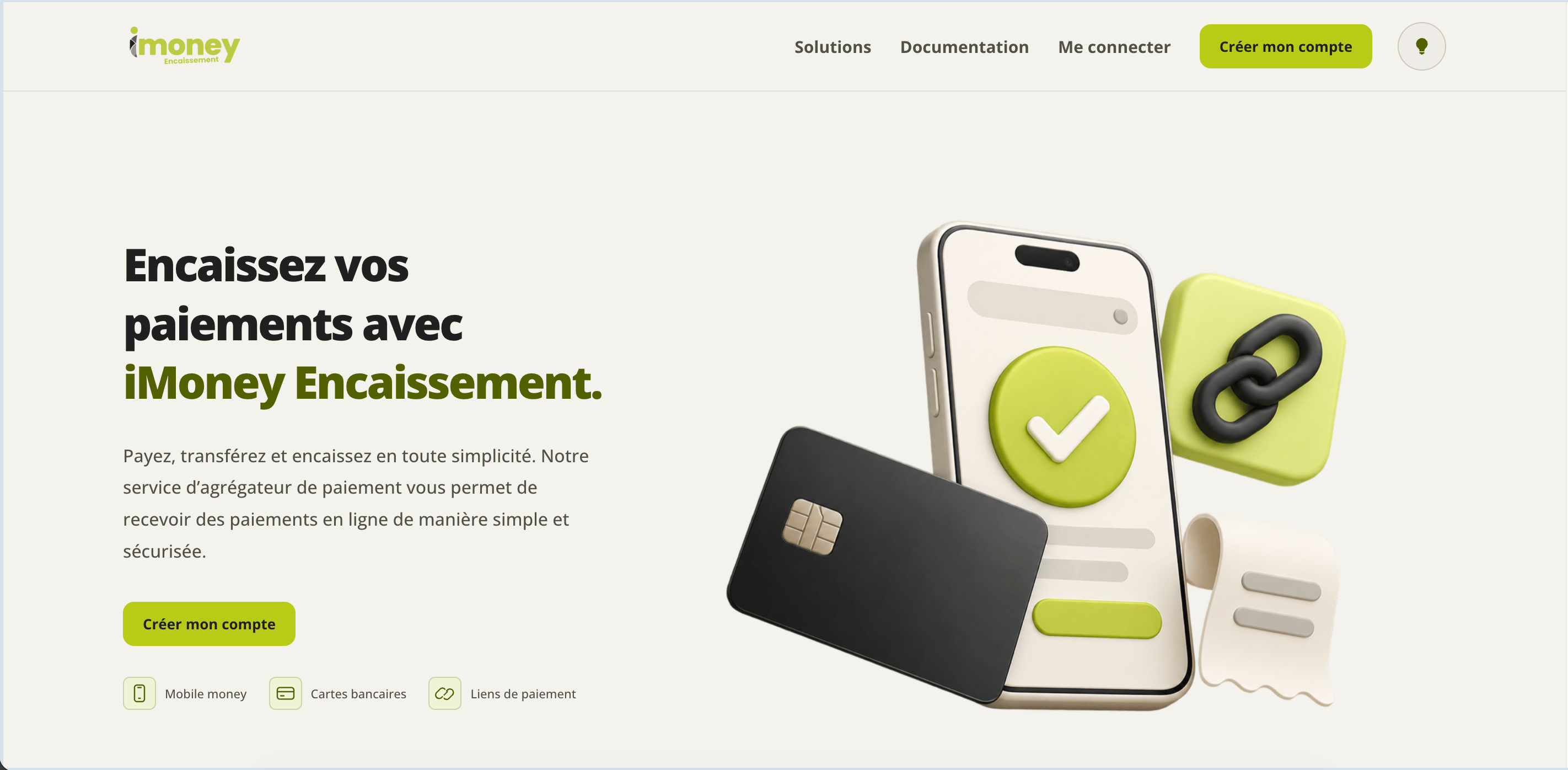
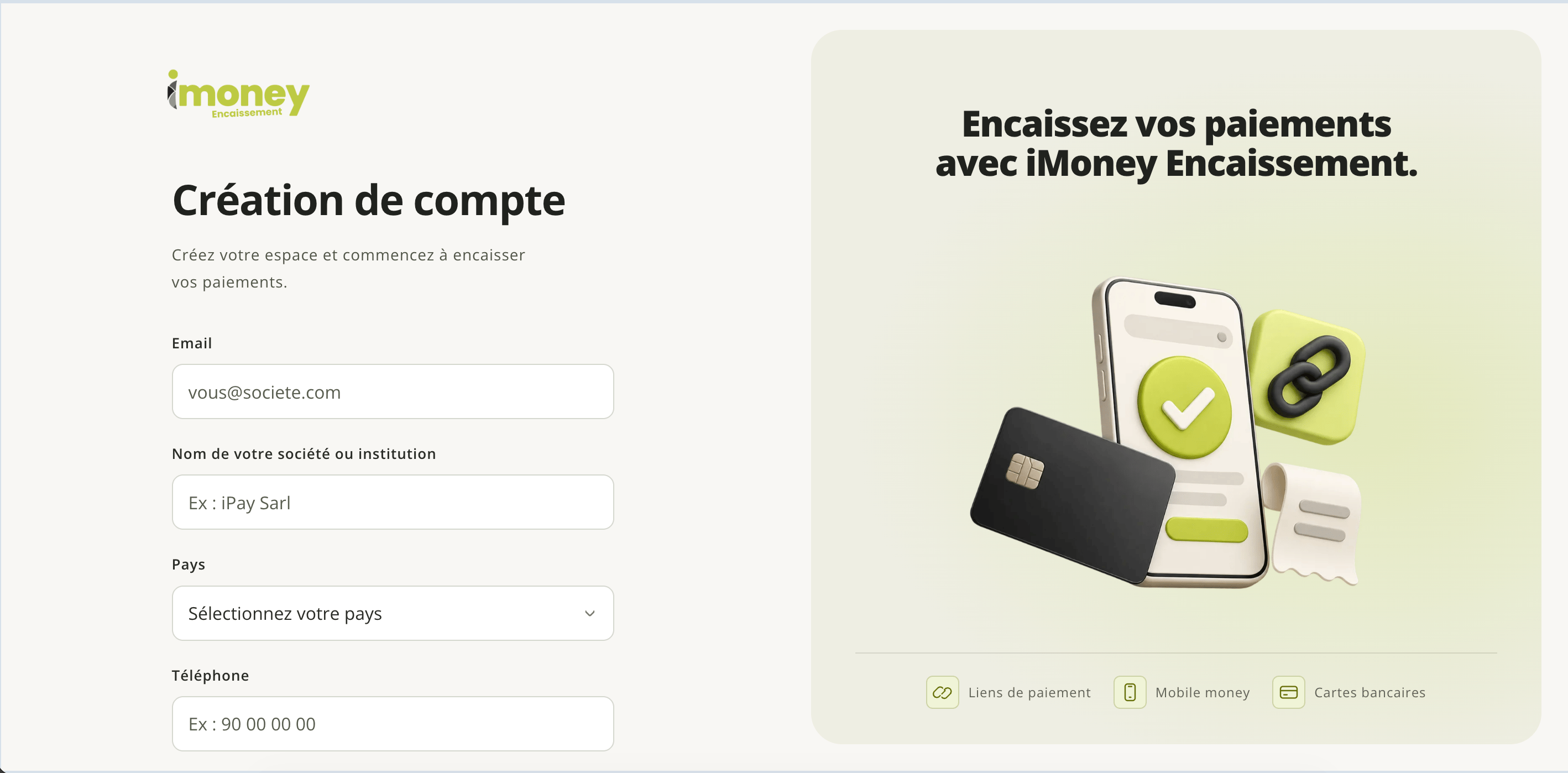
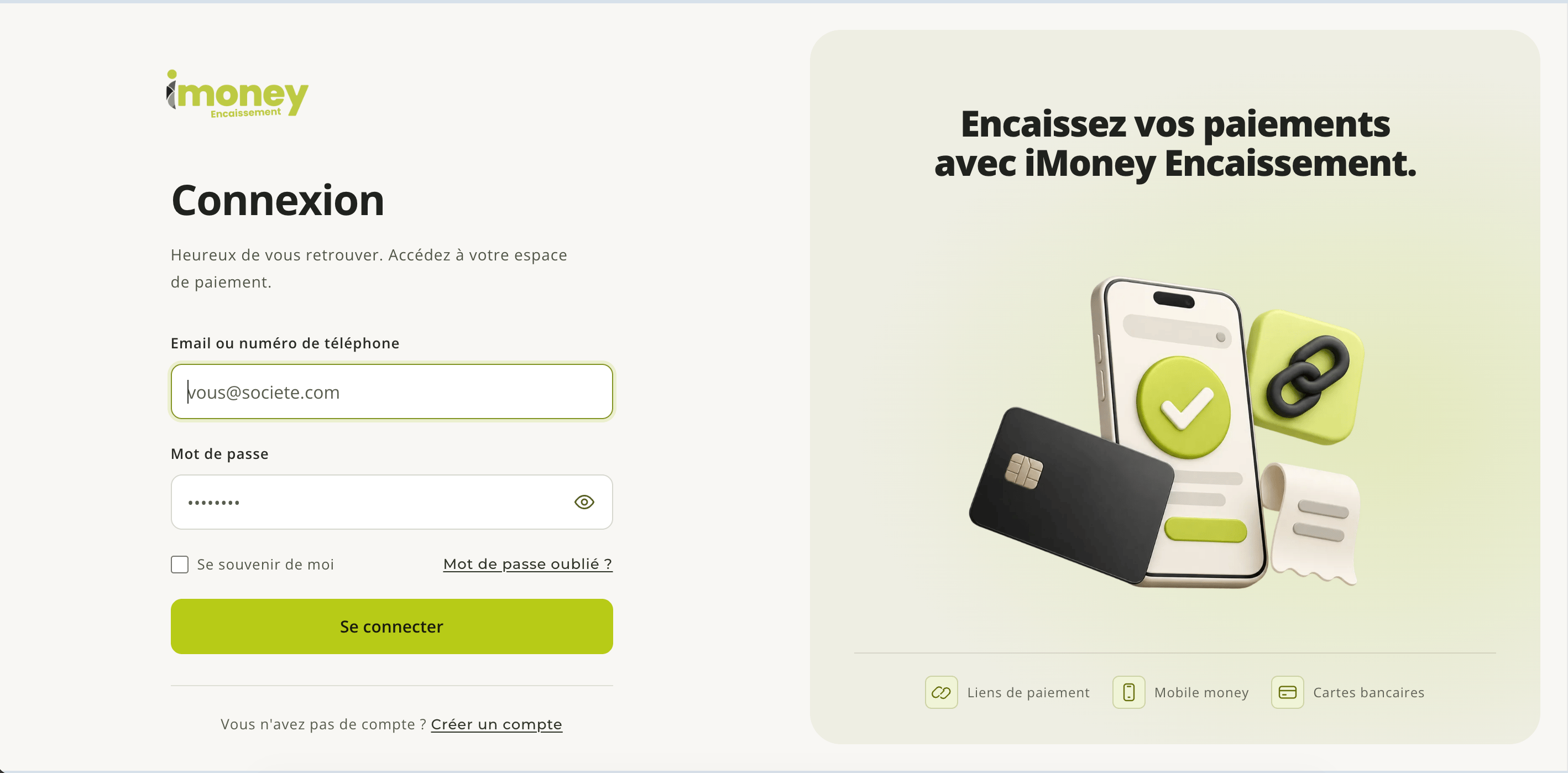
Sandbox and Live
Both environments expose the same endpoints. Only the key you use and the environment header described in Authentication determine which one you are calling.
Since the two accounts are fully separate, a key from one environment used with the other environment returns an authentication error, never a silent success. Plan for one configuration per environment (a dedicated environment variable for each) rather than a simple boolean switch in your code.
Testing your integration
In Sandbox, check the complete flow, from payment creation to confirmation of its status.- The customer confirms their order or payment request on your website.
- Your server creates the payment with the Sandbox secret key — see Create a transaction.
- You store the references returned by iMoney Encaissement and attach them to your order.
- You confirm the final status, through a notification or a status lookup, before delivering the order or activating the paid service.
Going live
- Get your account validated for the Live environment. Activation is not automatic: you submit your legal information from the dashboard, then the iMoney Encaissement team reviews and validates your file. Live access is only opened after this validation — do not promise your users instant activation.
- Confirm the payment methods enabled on the account for the target country, and only open in Live the ones you have tested in Sandbox.
- Set up your Live configuration. The endpoints do not change; only the key and the target environment change. Store the Live secret key in your production secrets manager, in a variable separate from the Sandbox one — see Authentication.
- Check notifications in the Live environment. A webhook configured in Sandbox does not apply to your Live flows: configure it again with a stable public HTTPS URL, a secret specific to this environment and the same events as in Sandbox — see Webhooks.
- Confirm each payment on the server side before any delivery, and regularly reconcile those still pending — see Retrieve a transaction.
- Review your error handling. A validation or access error is not a transient incident: fix the request rather than replaying it unchanged, and if you get no response, check the payment status before any new attempt — see Errors.
- Secure your exchanges: HTTPS for your application as well as for your webhook URL, API calls from your server only, and keys, phone numbers and payment data masked in your logs.
- Make a controlled real payment of a small amount before opening the service to all your users: confirm that the notification is actually received and that the retrieved status is consistent, and set up alerts on API errors, non-
2xxwebhooks and payments that stay pending for a long time.